
Build your menu
Add dishes in English and Arabic, or import the PDF menu you already have.
A bilingual digital menu guests open from a QR code or NFC tag on the table. They browse, order and call staff from their phone, and your team sees every request live.

The real Menuara guest menu, exactly as guests see it on their phone.
Add dishes in English and Arabic, or import the PDF menu you already have.
Print each table’s QR code or add an NFC tag. Print once, edit any time.
Orders and staff calls arrive live, with a sound alert for your team.
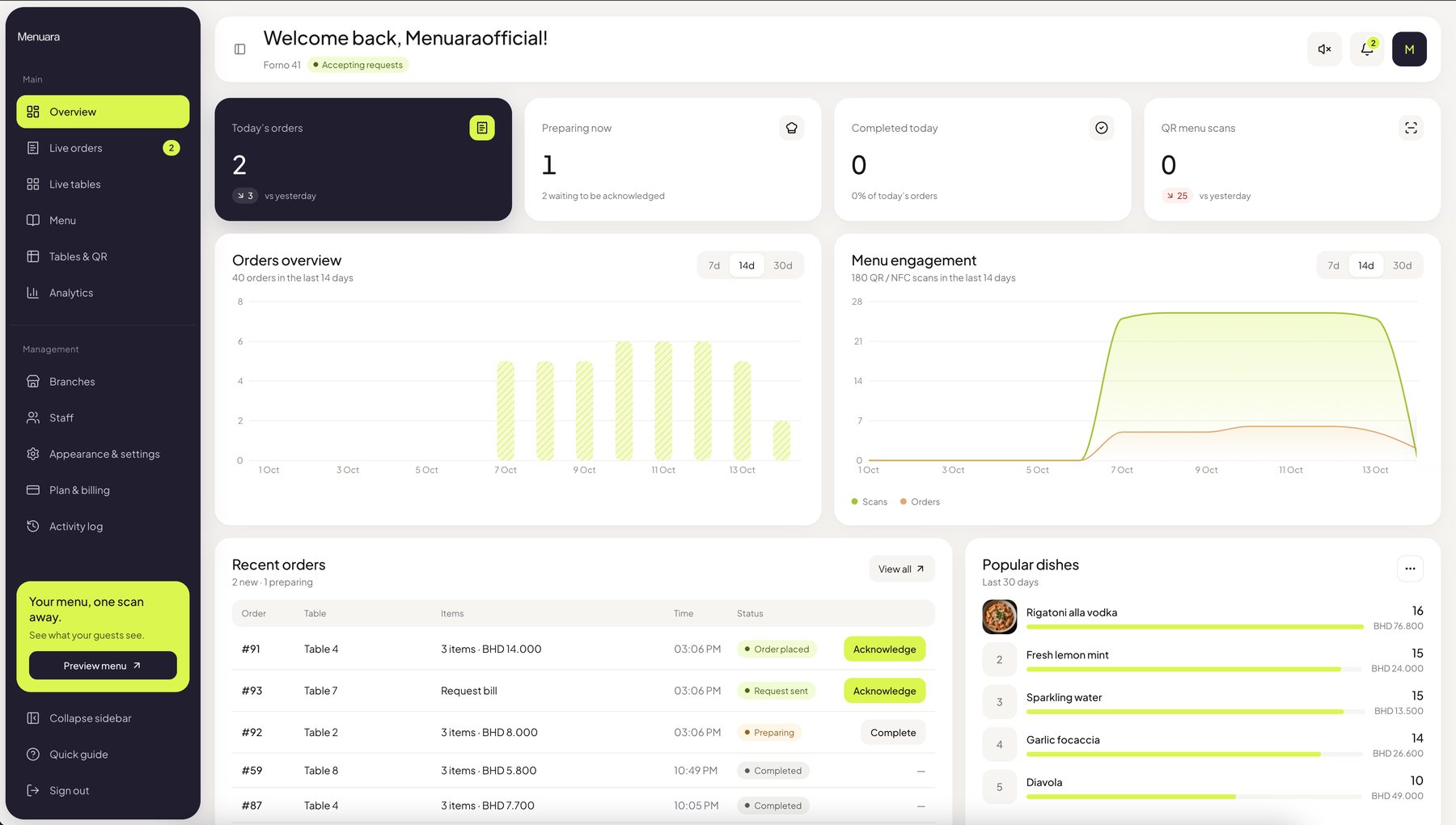
One dashboard for the menu, the tables and every request, built for busy floors.
Orders, menu scans and best-selling dishes by day, week or month.
New orders, waiter calls and bill requests appear instantly on every staff screen.
Each dish has both names. Guests switch with one tap and the menu flips to right-to-left.
Your logo, your colours and a header style that suits your room.
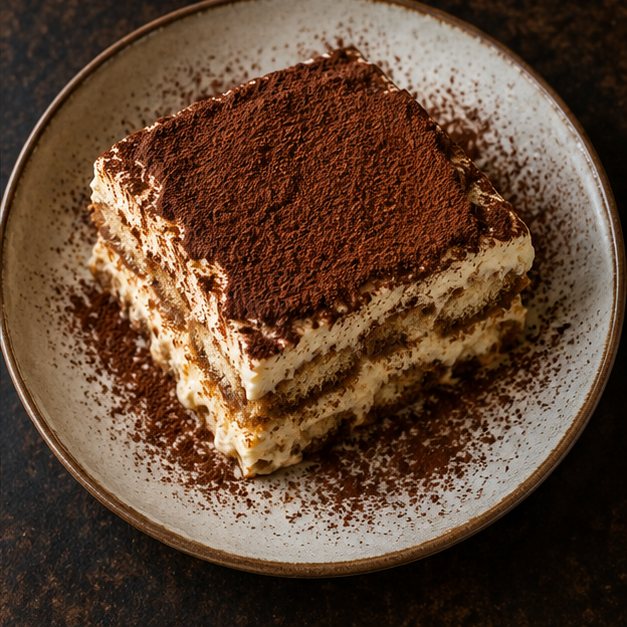
apps for guests to download. The menu opens straight in the phone’s browser.
The things guests notice, and the ones your staff will thank you for.
Sold out in one tap. Switch a dish off and it disappears from every table right away.
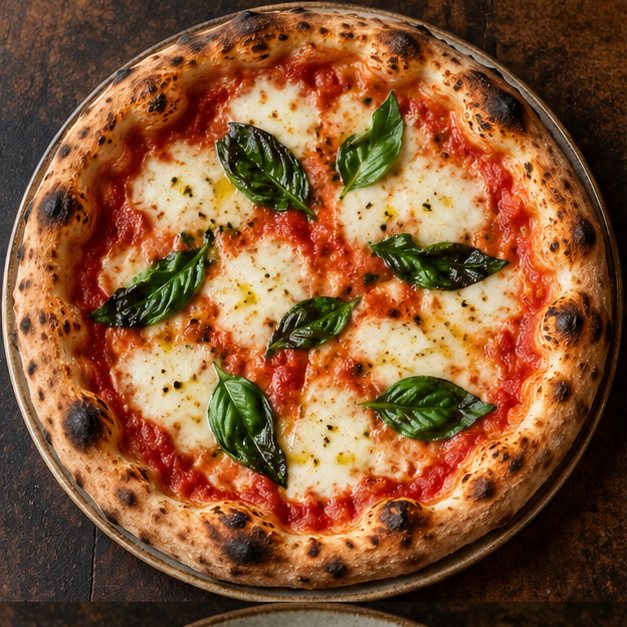 Large · + BHD 1.500
Sizes and add-ons. Small or large, extra cheese, no onions. The total updates as guests choose.
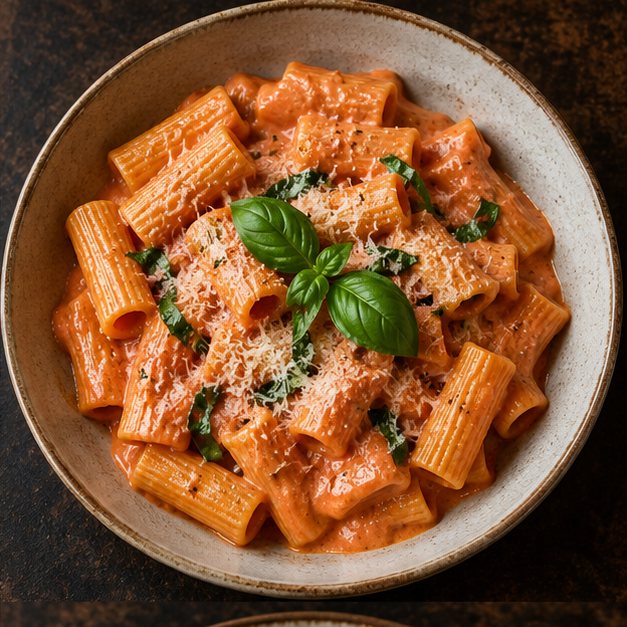 15 min
Prep times guests can see. Show how long each dish takes so expectations are right from the start.
Help, without waving. Guests call a waiter or ask for the bill with one button.
Built for the pass, the counter and the manager’s phone.
The everyday tools that come with every account.
Owners, managers and staff each see what they need, nothing more.
Share one menu across locations and keep tables and orders separate.
Turn the PDF menu you already have into editable dishes.
A chime for every new request, so nothing waits at the pass.
See which tables are waiting, ordering or ready for the bill.
Prepare new dishes and publish them when the kitchen is ready.
Put a signature dish or your cover photo at the top of the menu.
See how often each table’s code is scanned, by hour and day.
Choose a plan, pay and download invoices from the dashboard.
A PDF on a QR code is a start. Menuara is a menu built for the phone.
Table ordering and staff calls are part of the Pro plan.
Start with a free 14-day trial. Pay monthly or yearly by bank transfer. No automatic charges.
A beautiful digital menu
9BHD / month
Ordering, service and every tool
19BHD / month
Prices exclude any applicable VAT. Invoices are issued in Bahraini dinar (BHD); other currencies are shown at the fixed exchange rate as a guide.
Quick answers about Menuara, plans and billing.
No. Scanning the QR code or tapping the NFC tag opens the menu in the phone’s browser.
You can add your menu, print table codes and start serving in an afternoon. Importing a PDF menu makes it faster.
Yes, any time. Changes show on the guest menu immediately and your printed QR codes keep working.
We recommend both, but you can publish a dish in English only. Guests choose their language on the menu.
No. Guests pay your restaurant the way they do today. Menuara handles the menu, orders and requests.
Set up takes an afternoon. Your first 14 days are free.